Overview
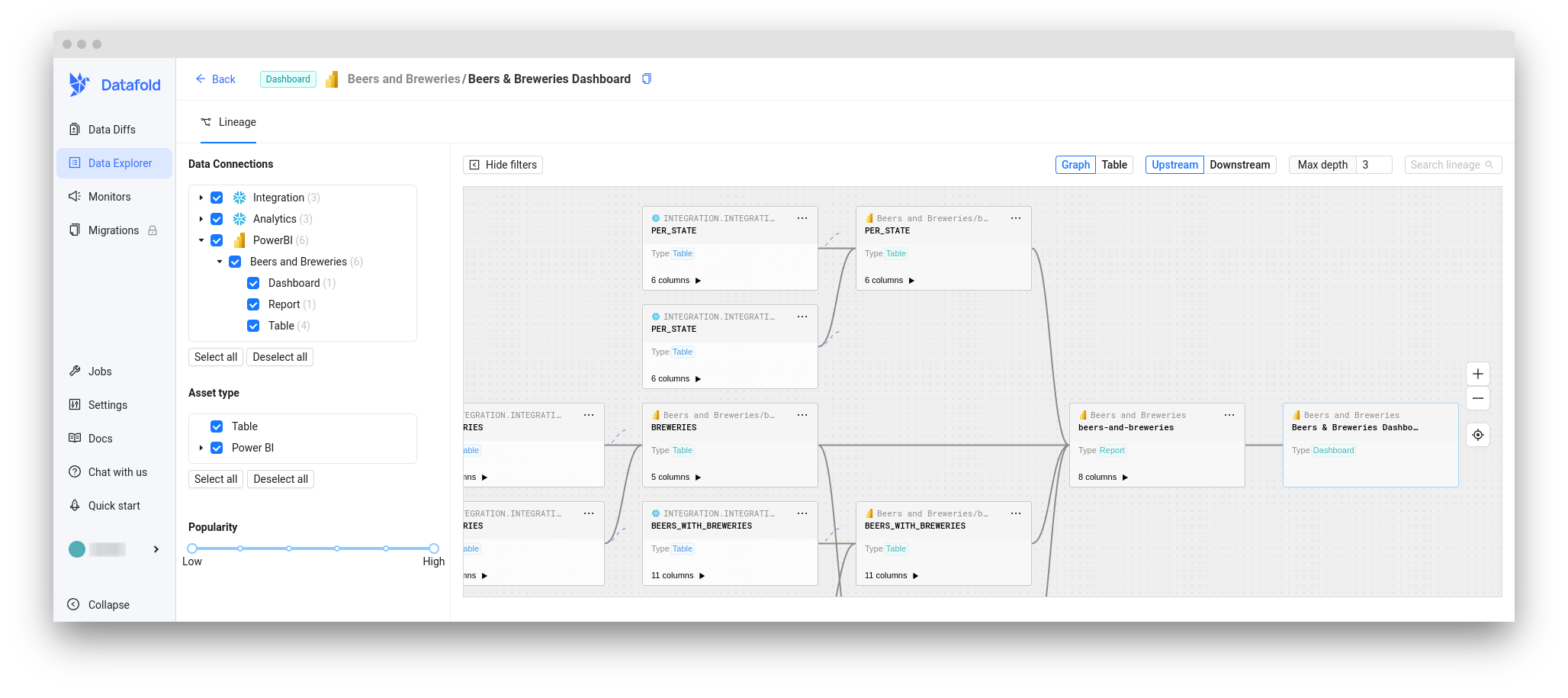
Our Power BI integration can help you visualize column-level lineage dependencies between warehouse tables and Power BI entities using Data Explorer. Datafold supports the following Power BI entity types:- Tables (with Columns)
- Reports (with Fields)
- Dashboards
Choose your authentication method
Datafold supports two authentication methods for Power BI. Choose the one that best fits your organization’s needs. Key difference:- Delegated auth uses your user’s identity, is tied to your account and permissions, also requiring you to be a Power Platform Administrator;
- Service Principal is an independent application identity that doesn’t depend on any user, but can be a bit more complicated to setup.
- Delegated (User OAuth)
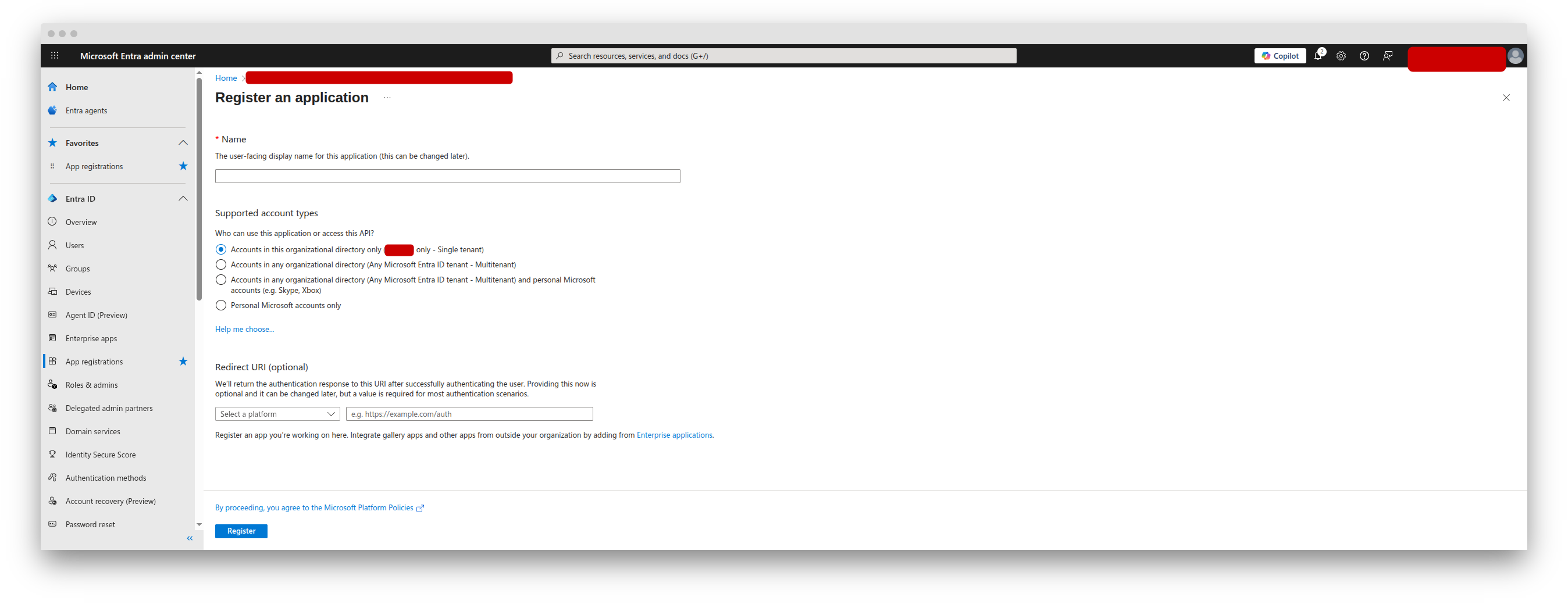
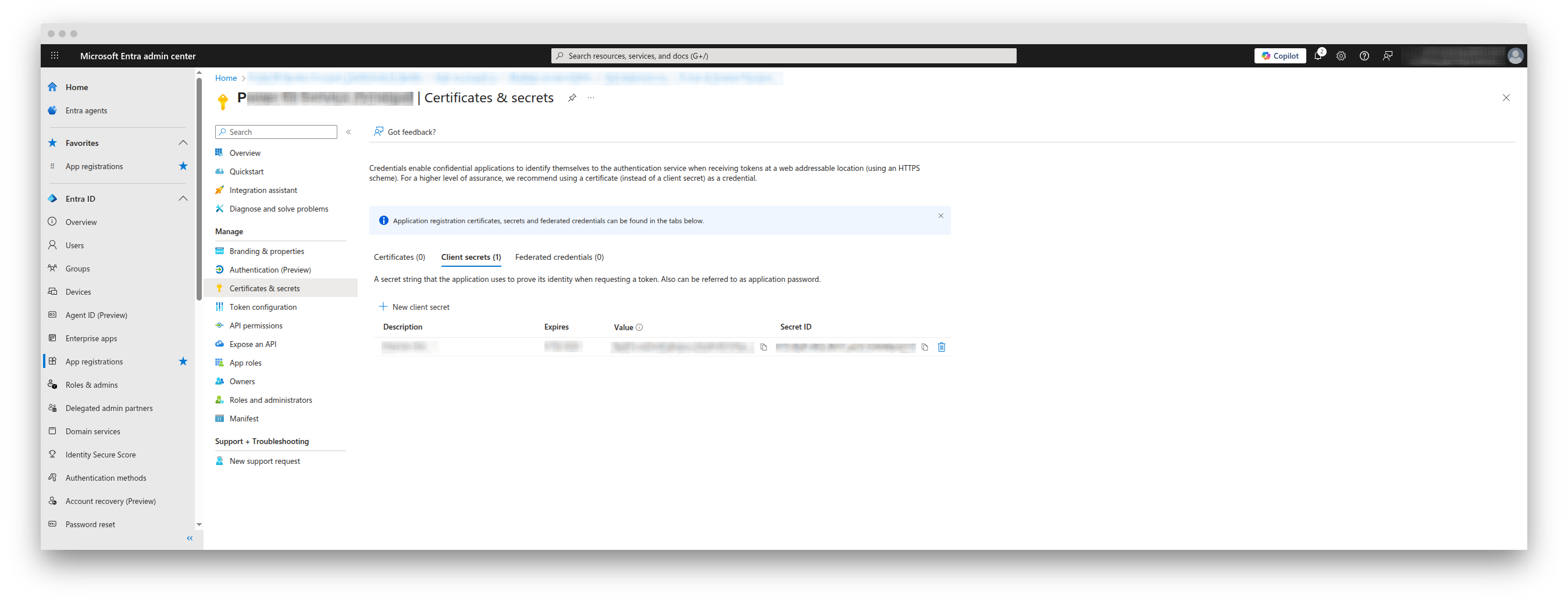
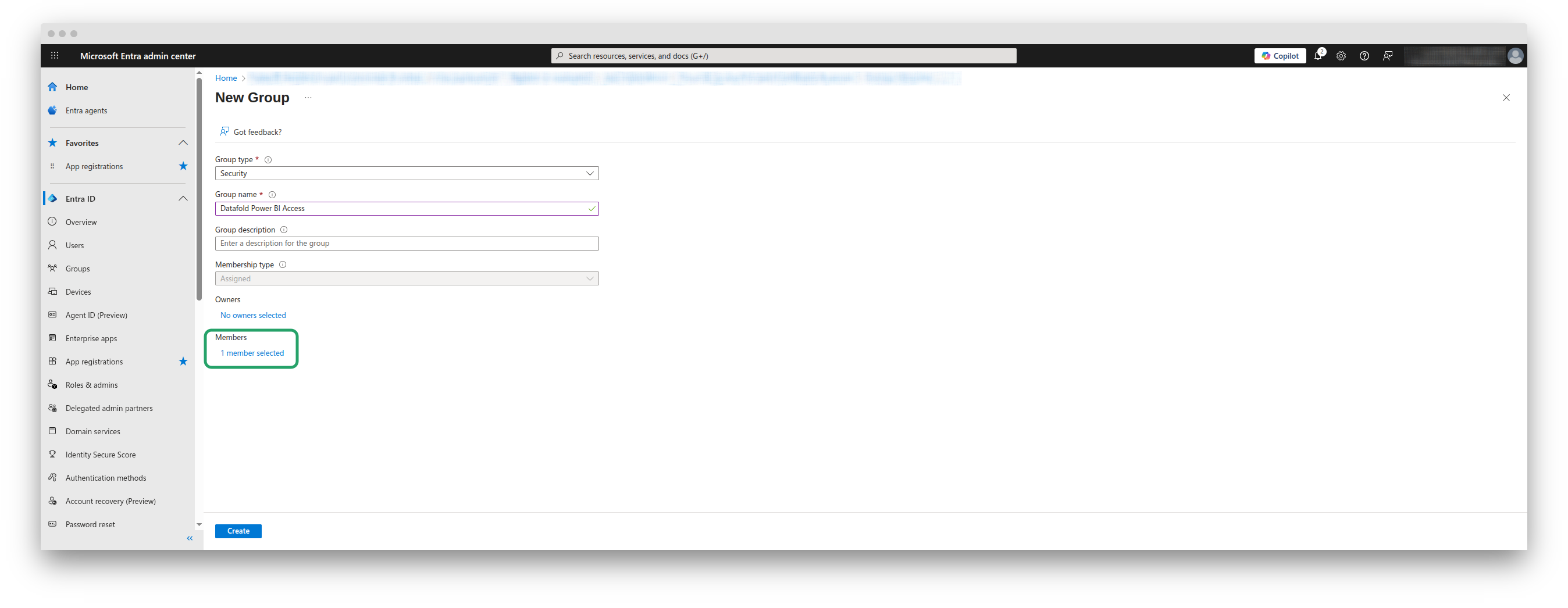
- Service Principal
Set up the integration
1
Open Microsoft 365 admin center
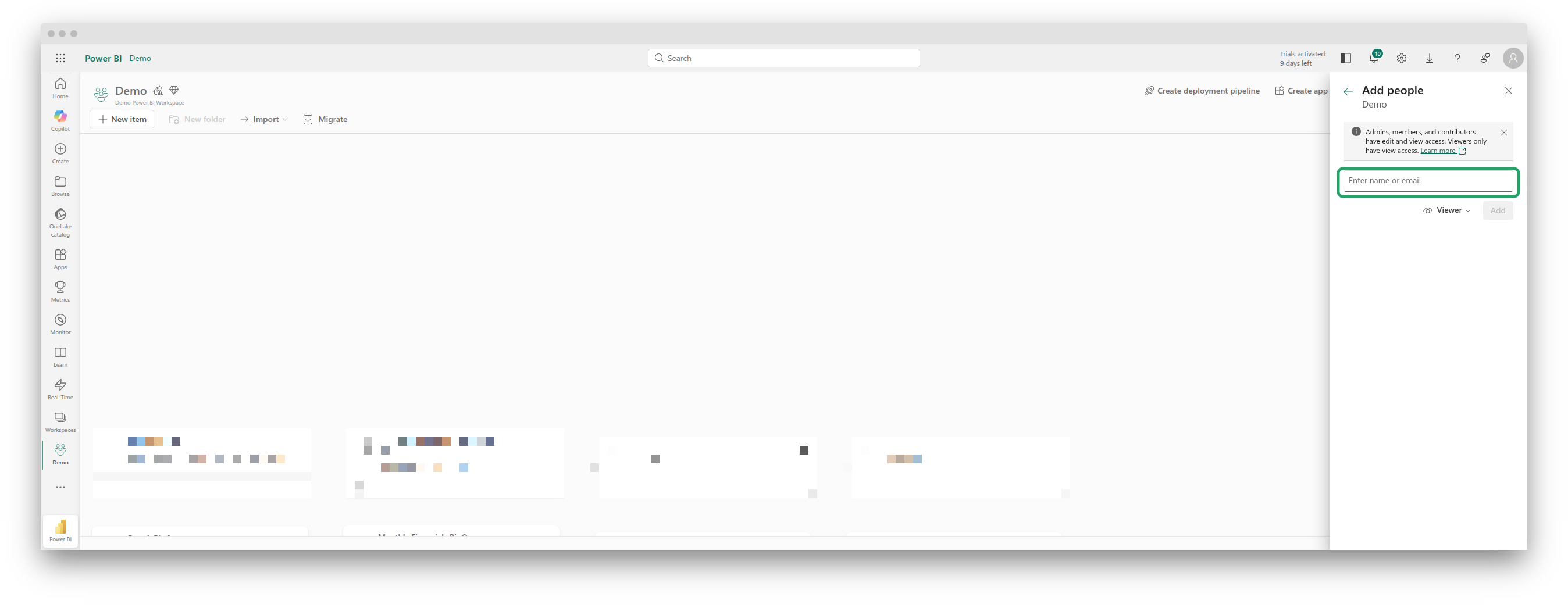
Navigate to Microsoft 365 admin center -> Active users and choose the user that Datafold will authenticate under.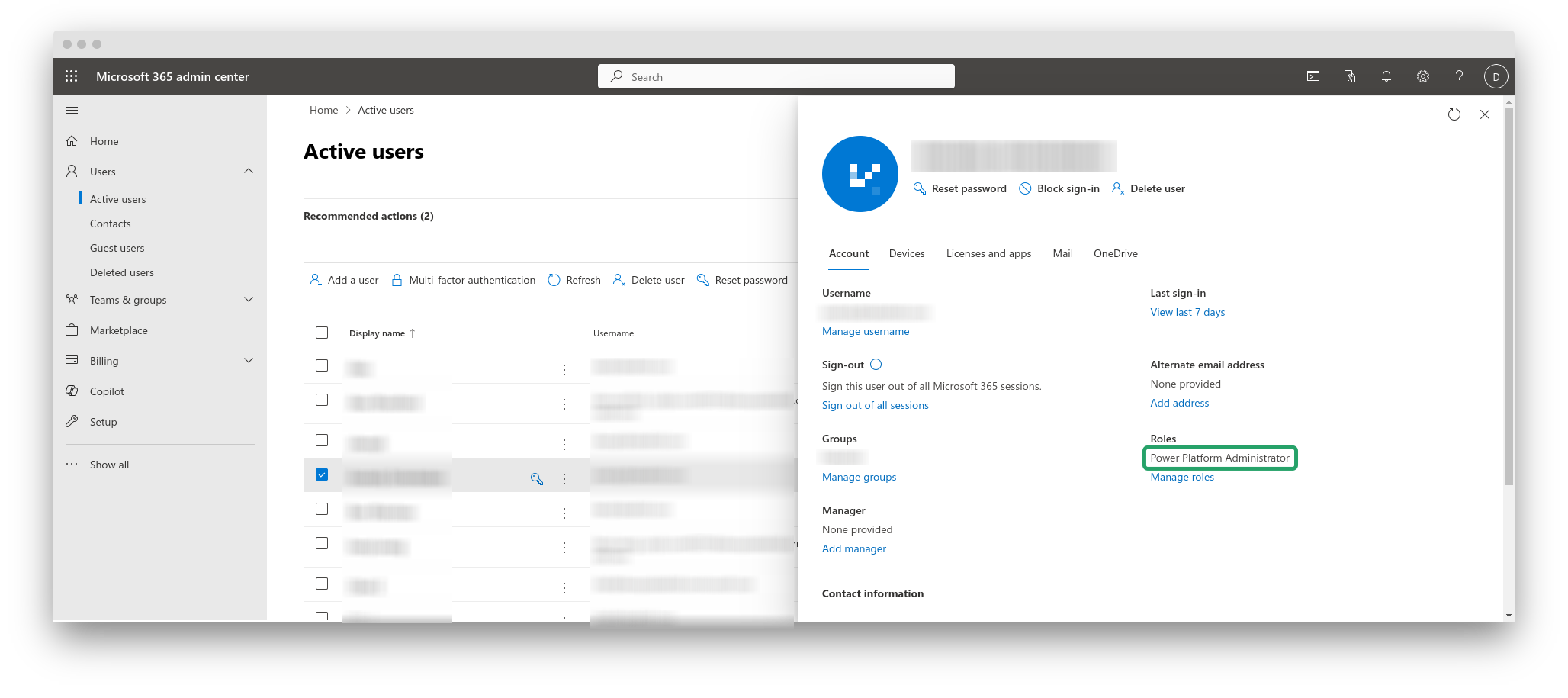
2
If the role is missing, assign it
Click Manage roles, enable the Power Platform Administrator role, and save changes.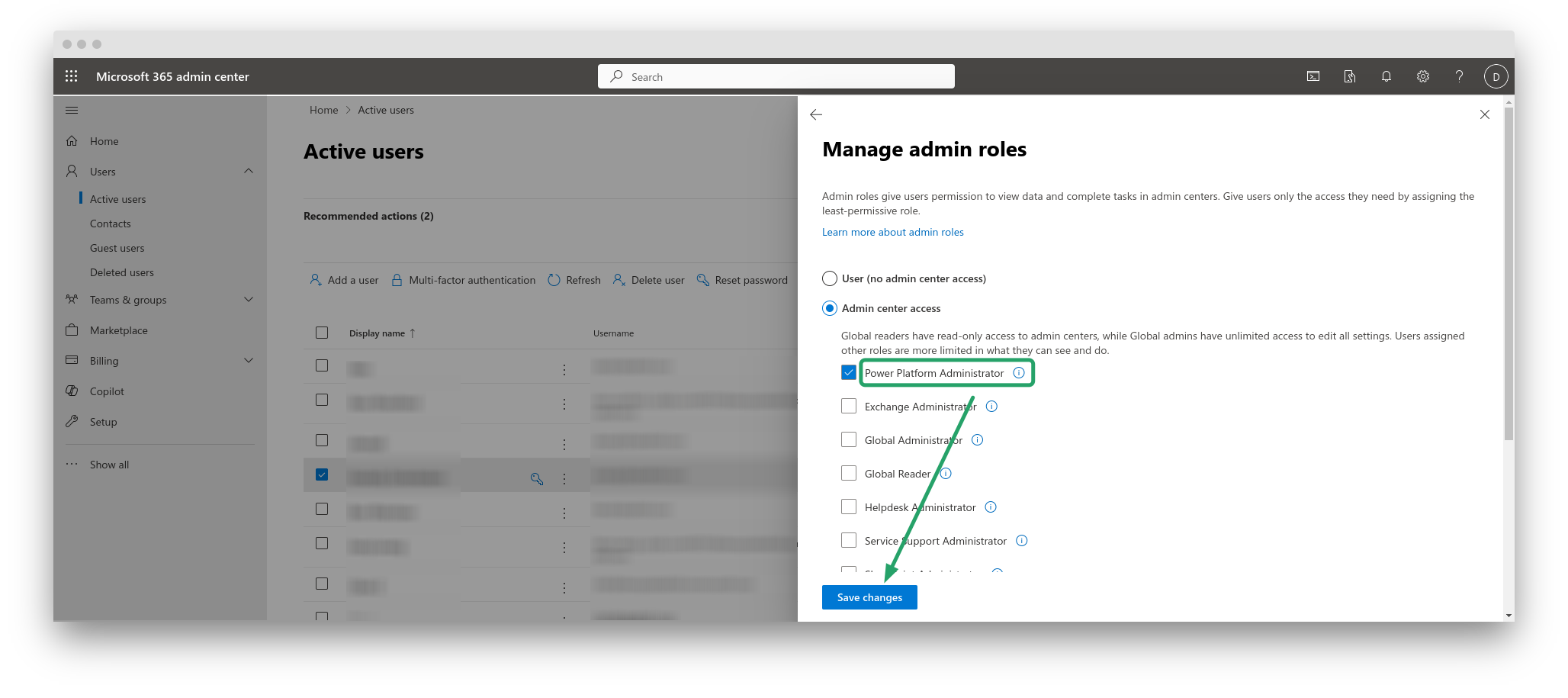
3
Configure Power BI API
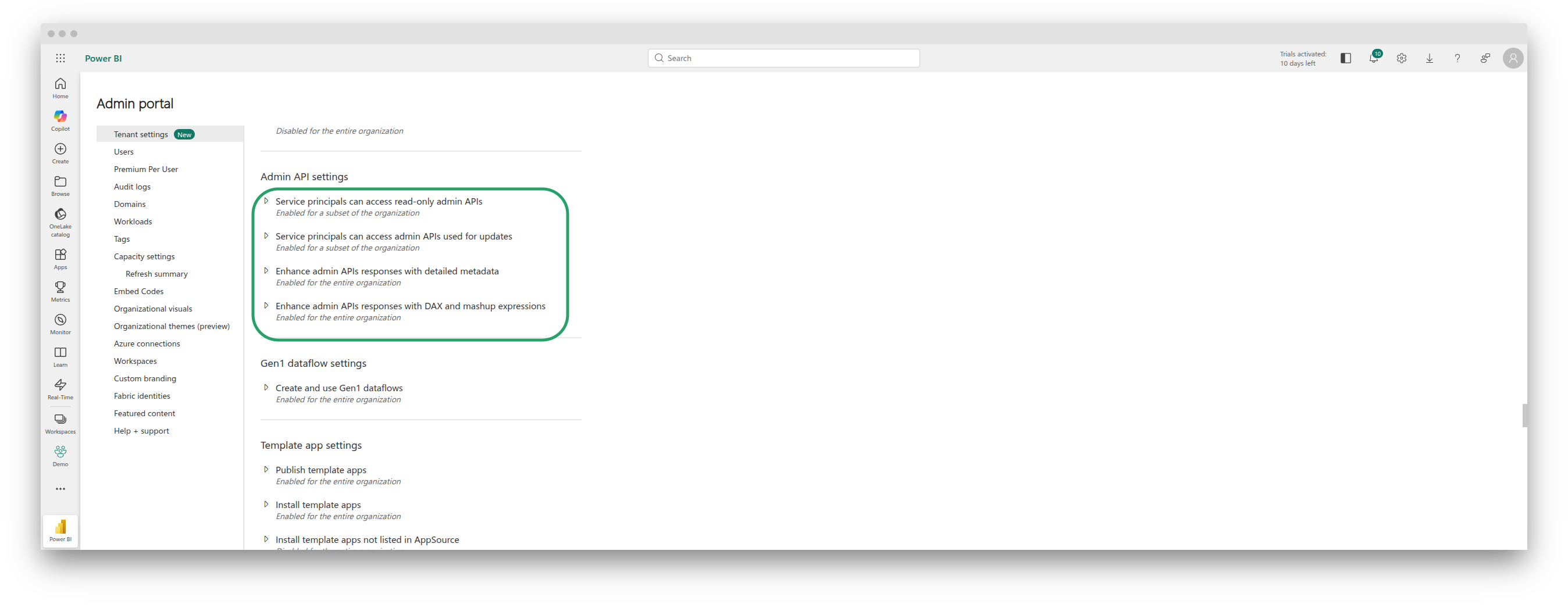
Navigate to Power BI Admin Portal and enable the following two settings: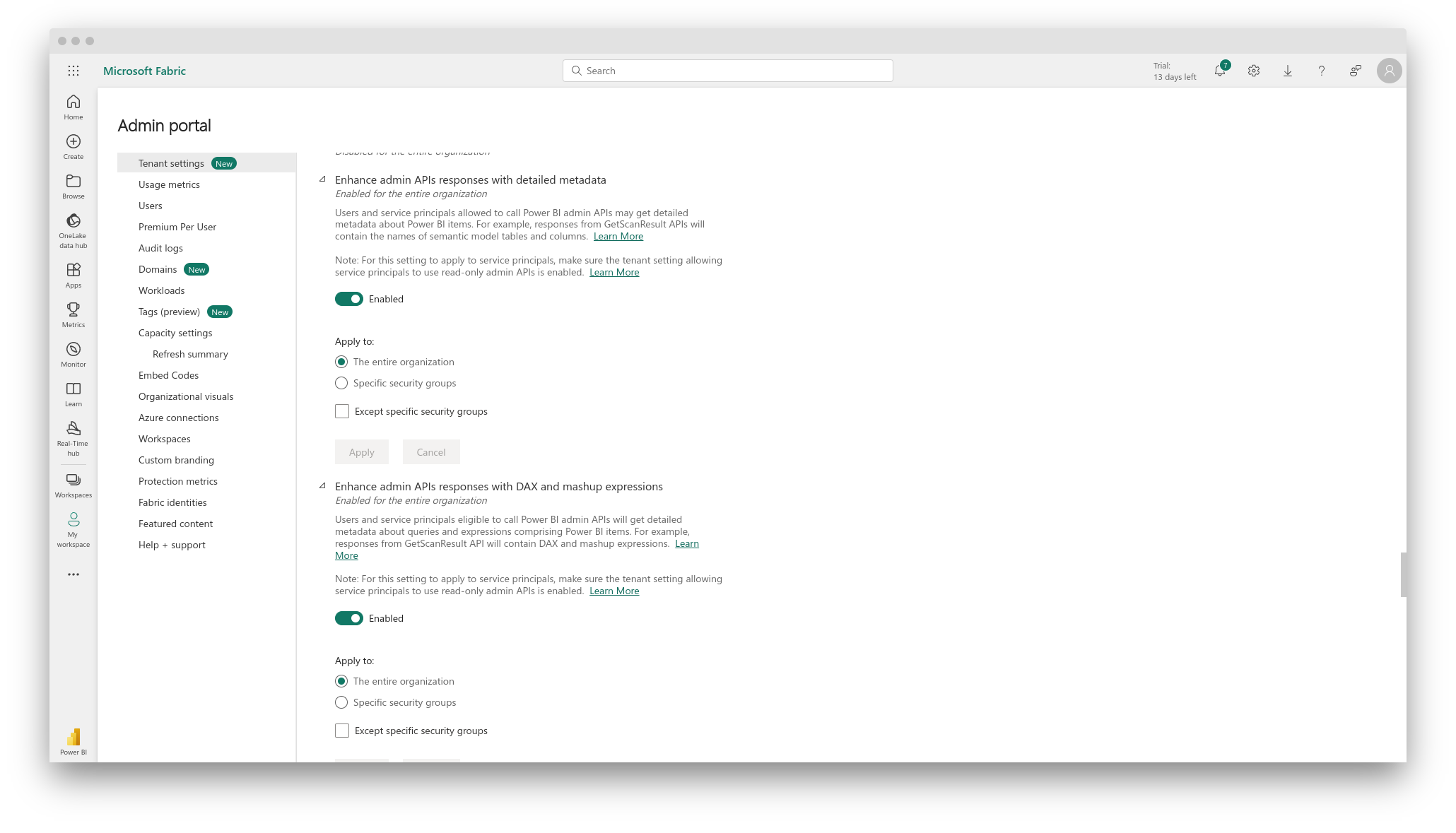
- Enhance admin APIs responses with detailed metadata
- Enhance admin APIs responses with DAX and mashup expressions
4
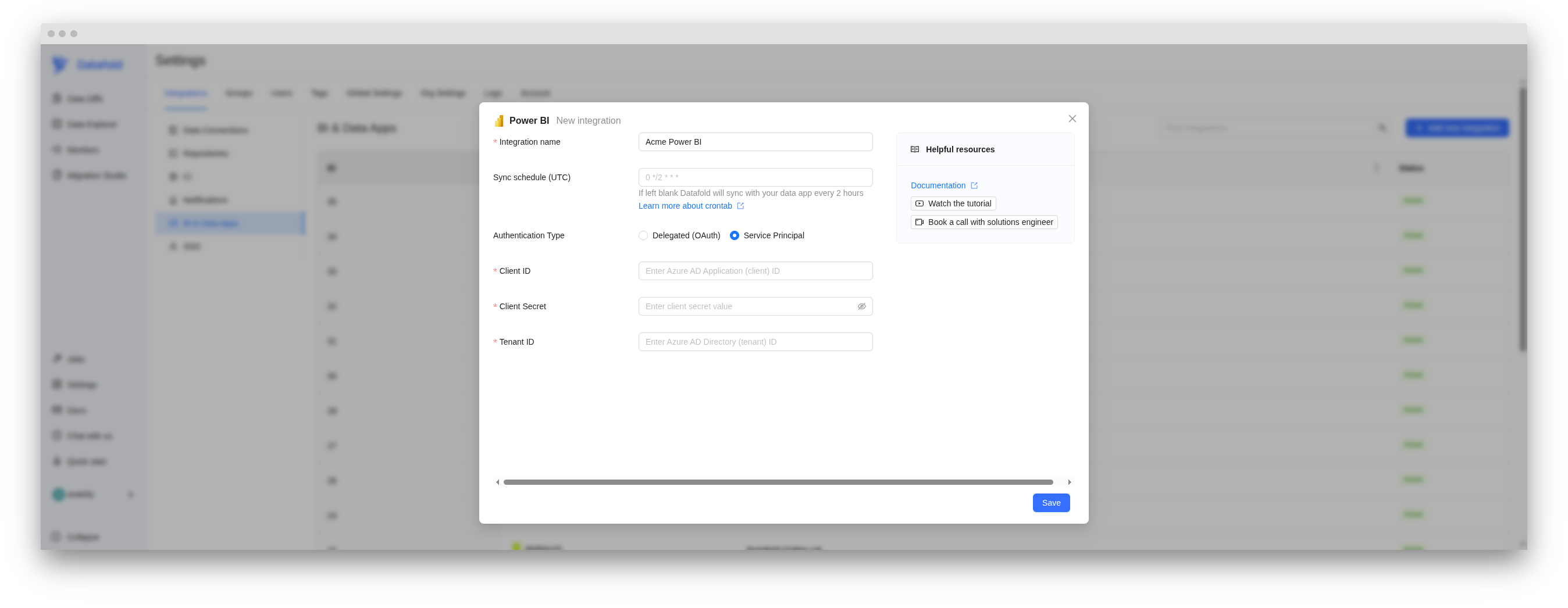
Create Power BI integration in Datafold
In the Datafold app, navigate to Settings -> BI & Data Apps, and click + Add new integration. Choose Power BI from the list.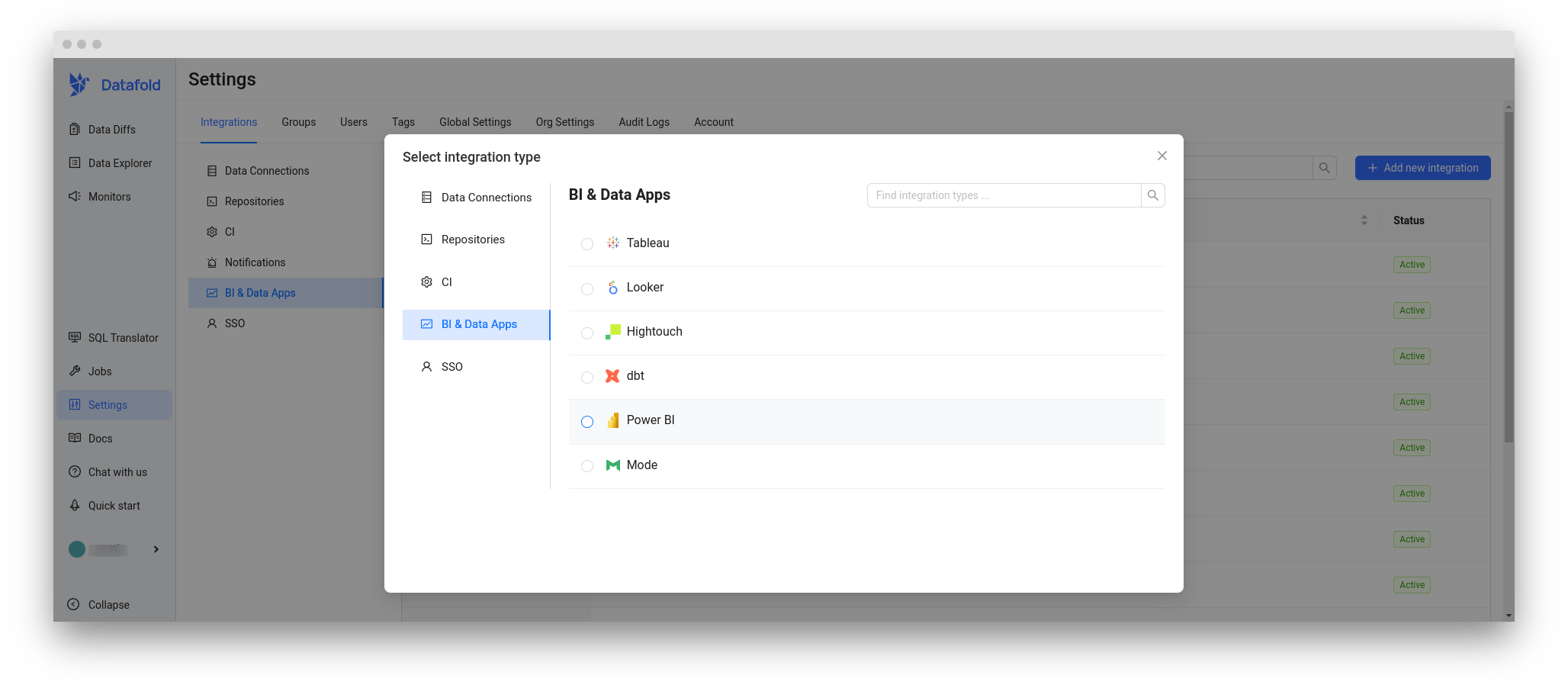
5
Fill in the name for your new integration
…and then Save.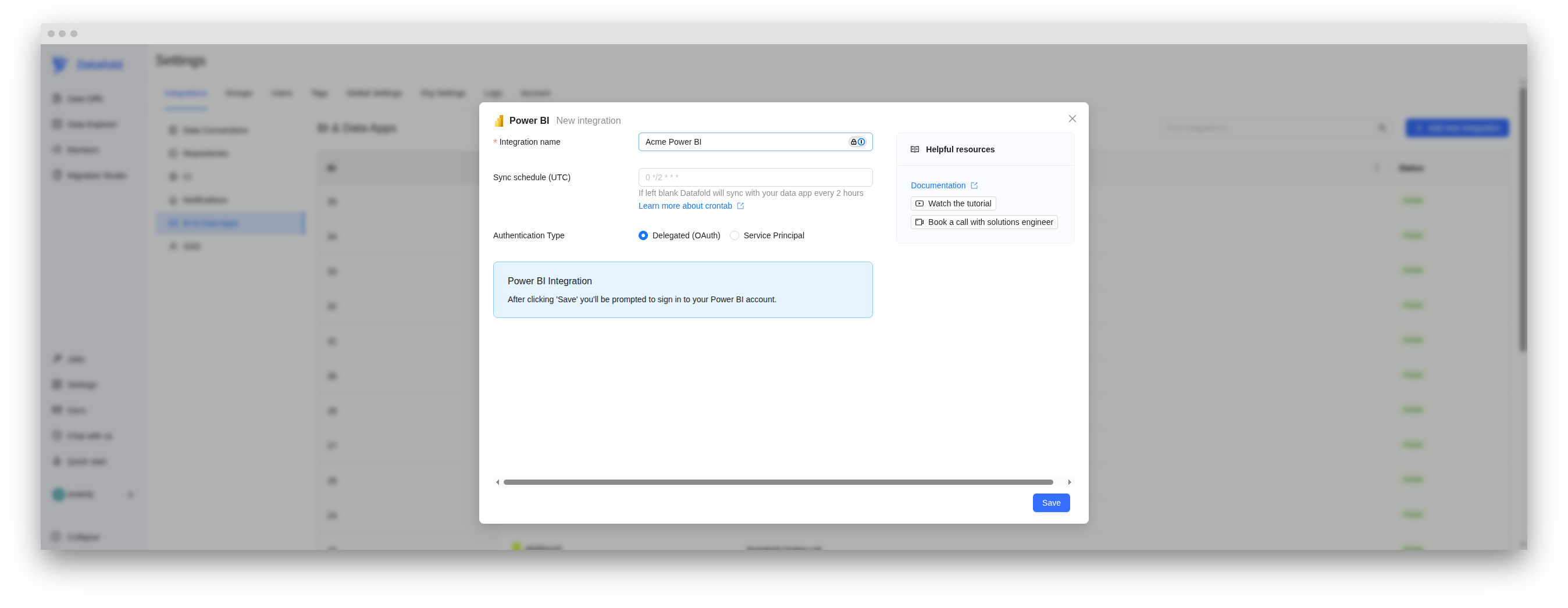
6
Sign in to Power BI
…if not already signed in.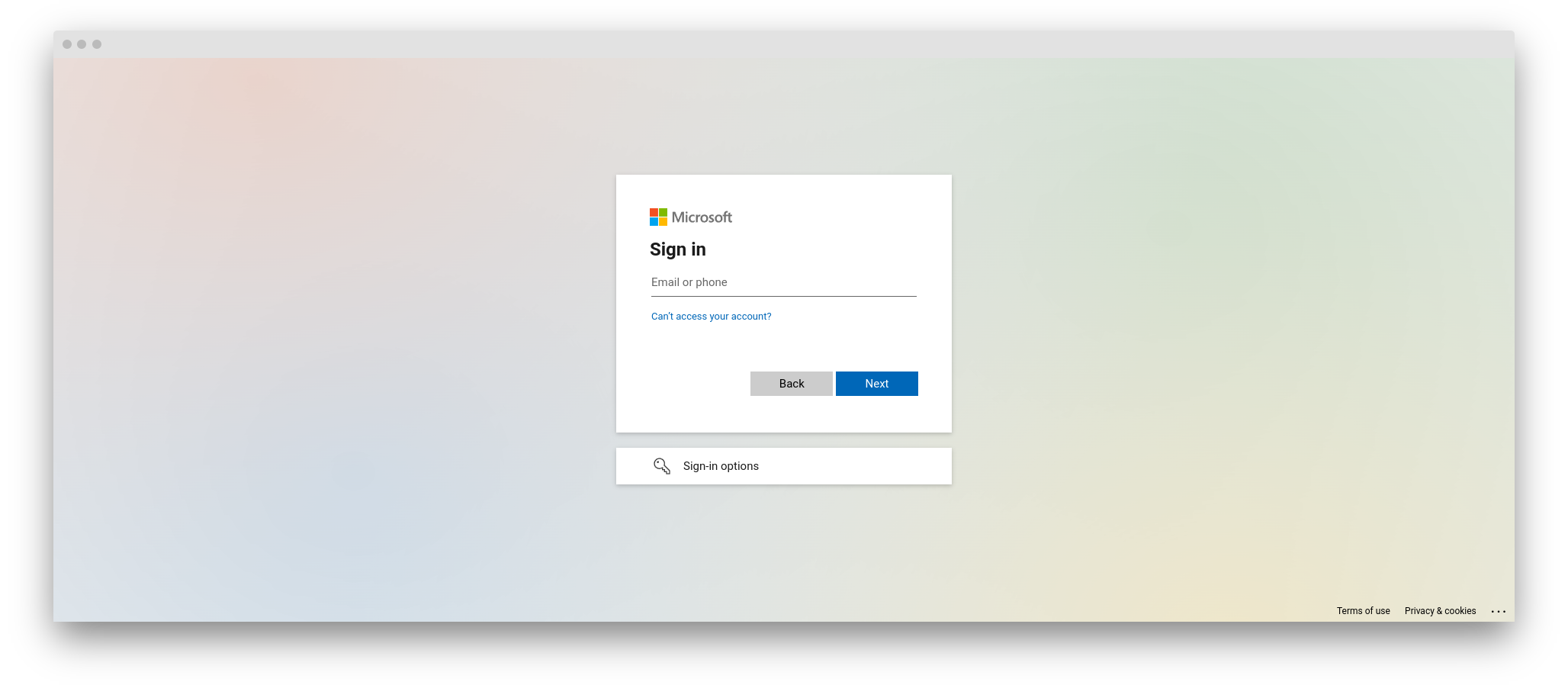
7
Grant permissions to Datafold
Allow the Datafold integration to use Power BI. Depending on the roles configured for your user in the Admin center, you may require a confirmation from a Global Administrator. Follow the steps in the wizard.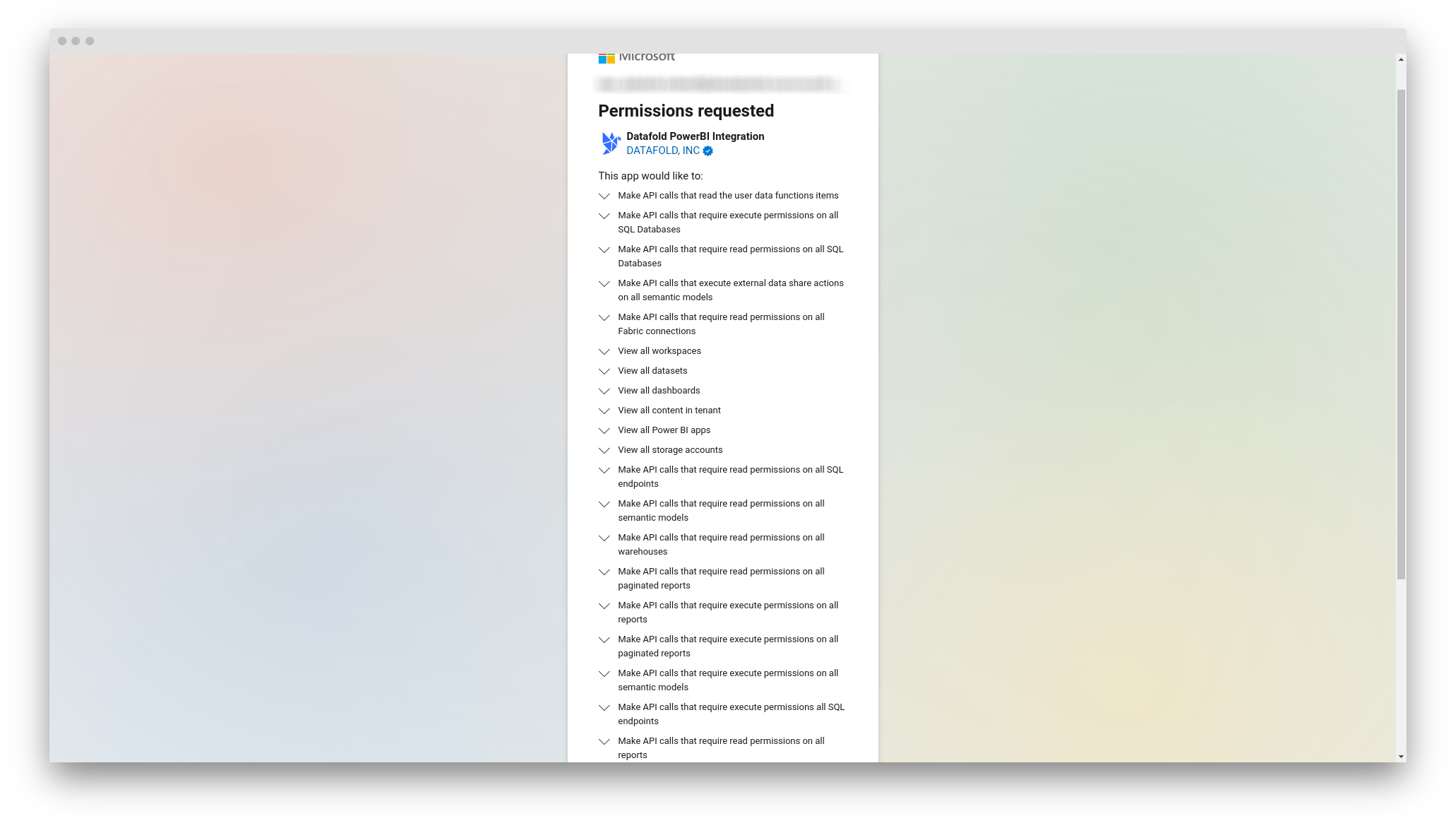
8
Integration is ready
You will be redirected back to Datafold and see a message that Power BI is successfully connected.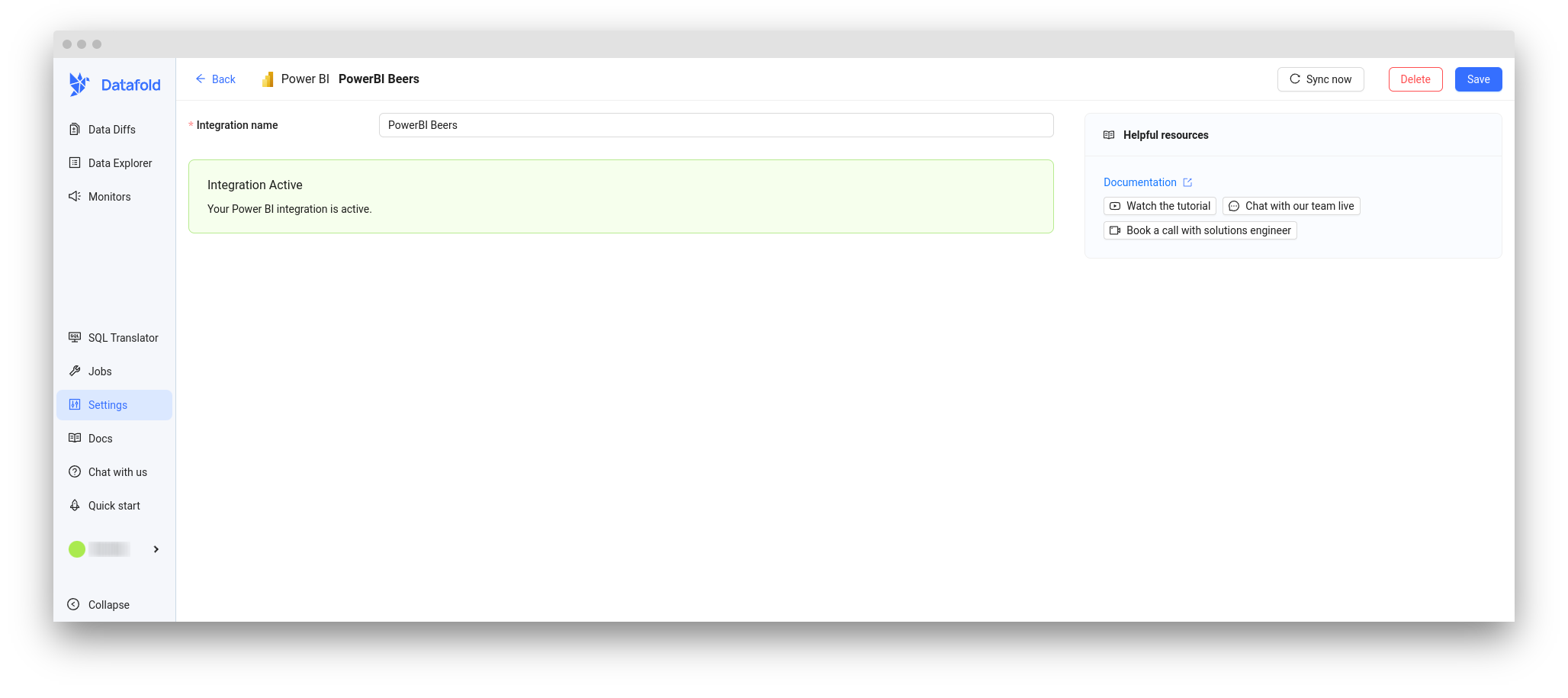
Verify the integration
1
Power BI integration needs some time to sync
You can check out Jobs -> BI & Data Apps for the status of the sync job.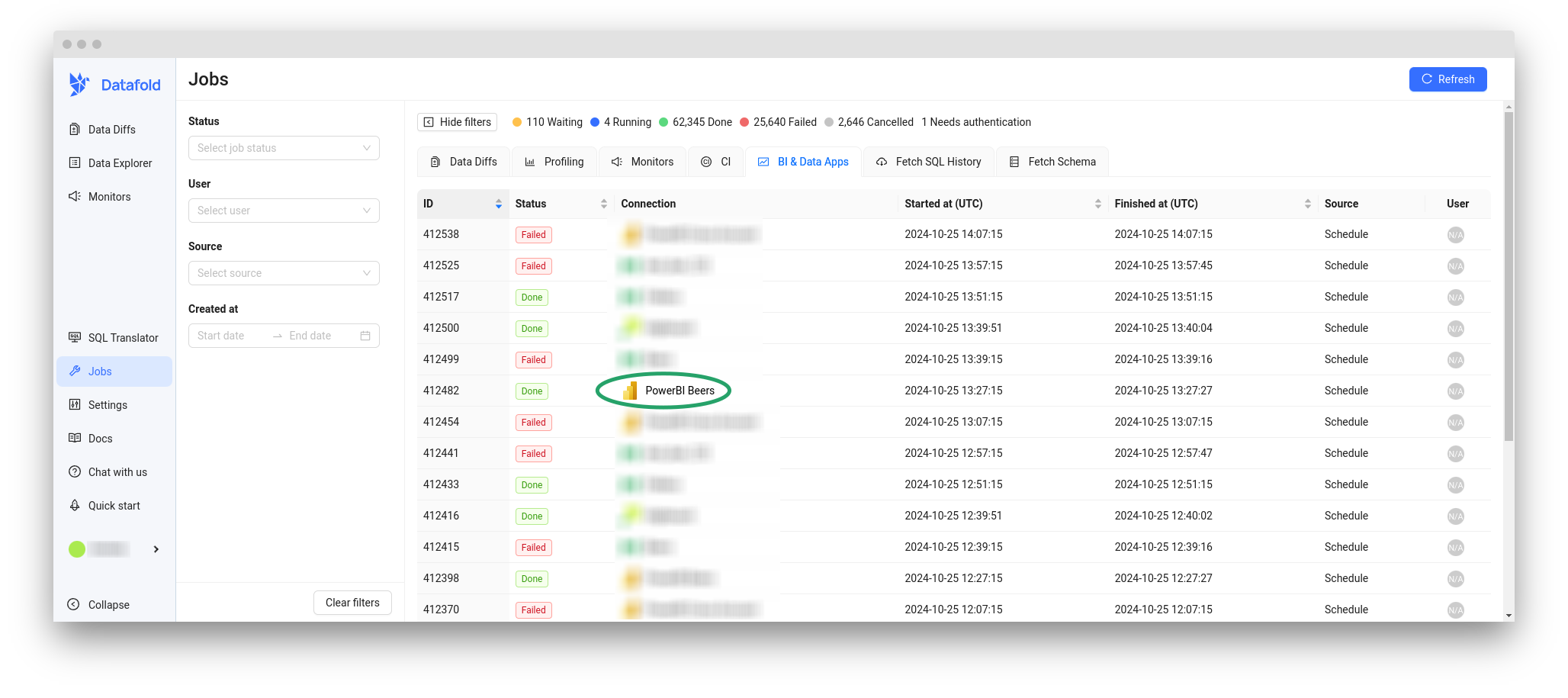
2
Power BI entities are now searchable
When the sync is complete, you will see Power BI entities in Data Explorer.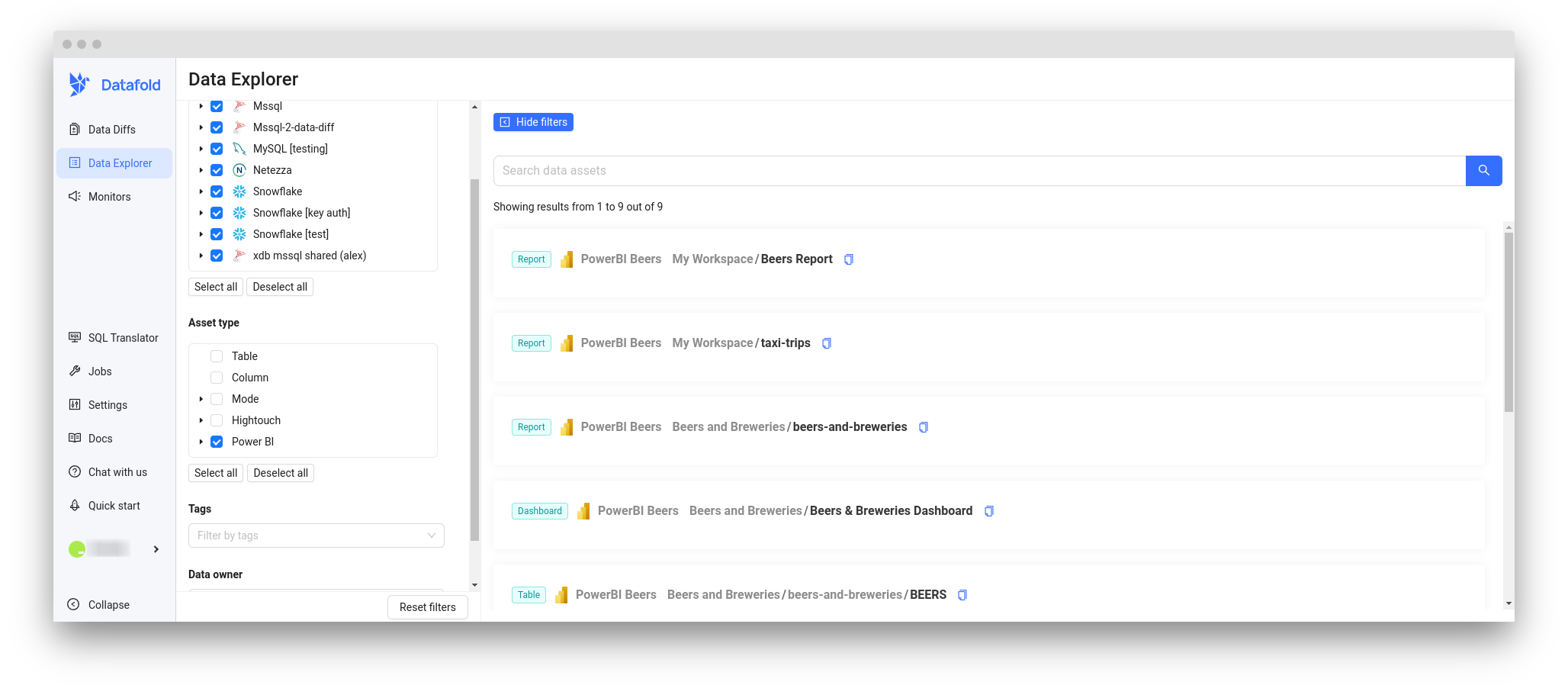
3
Lineage is now available