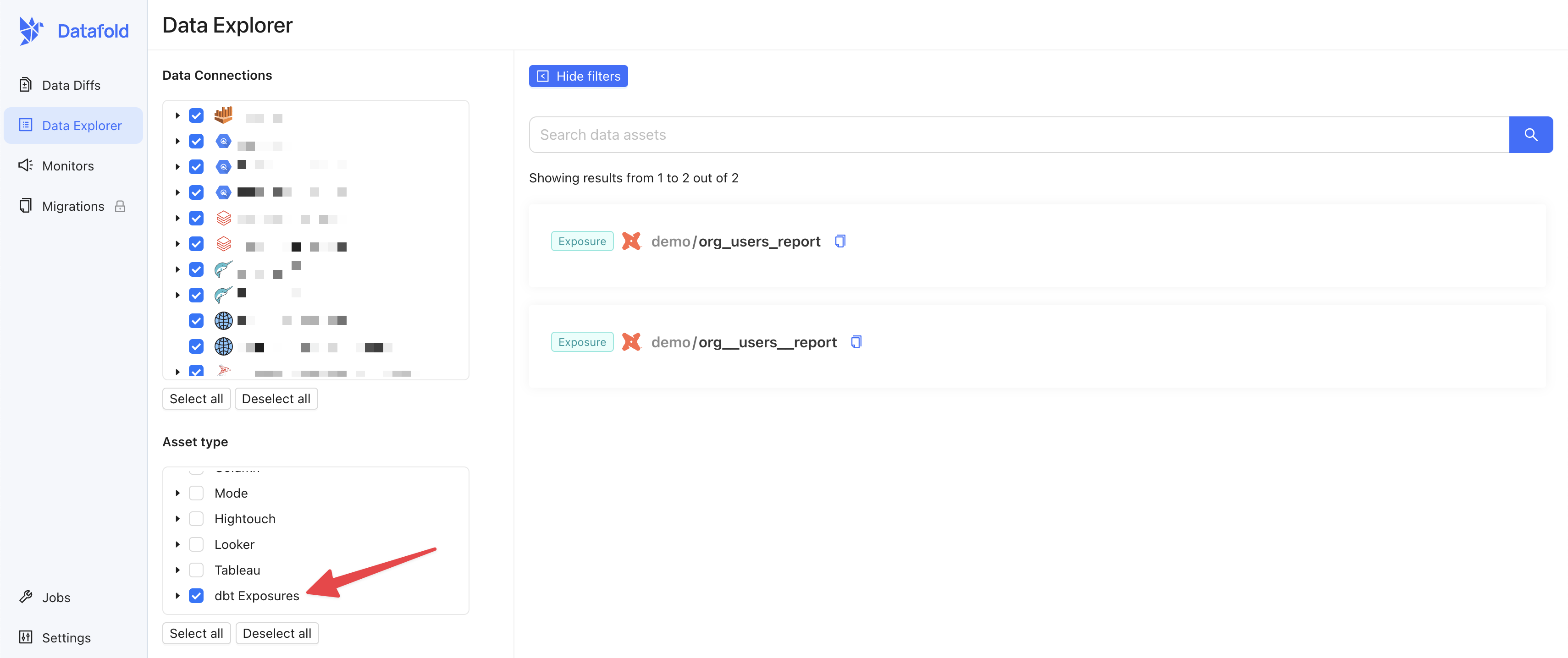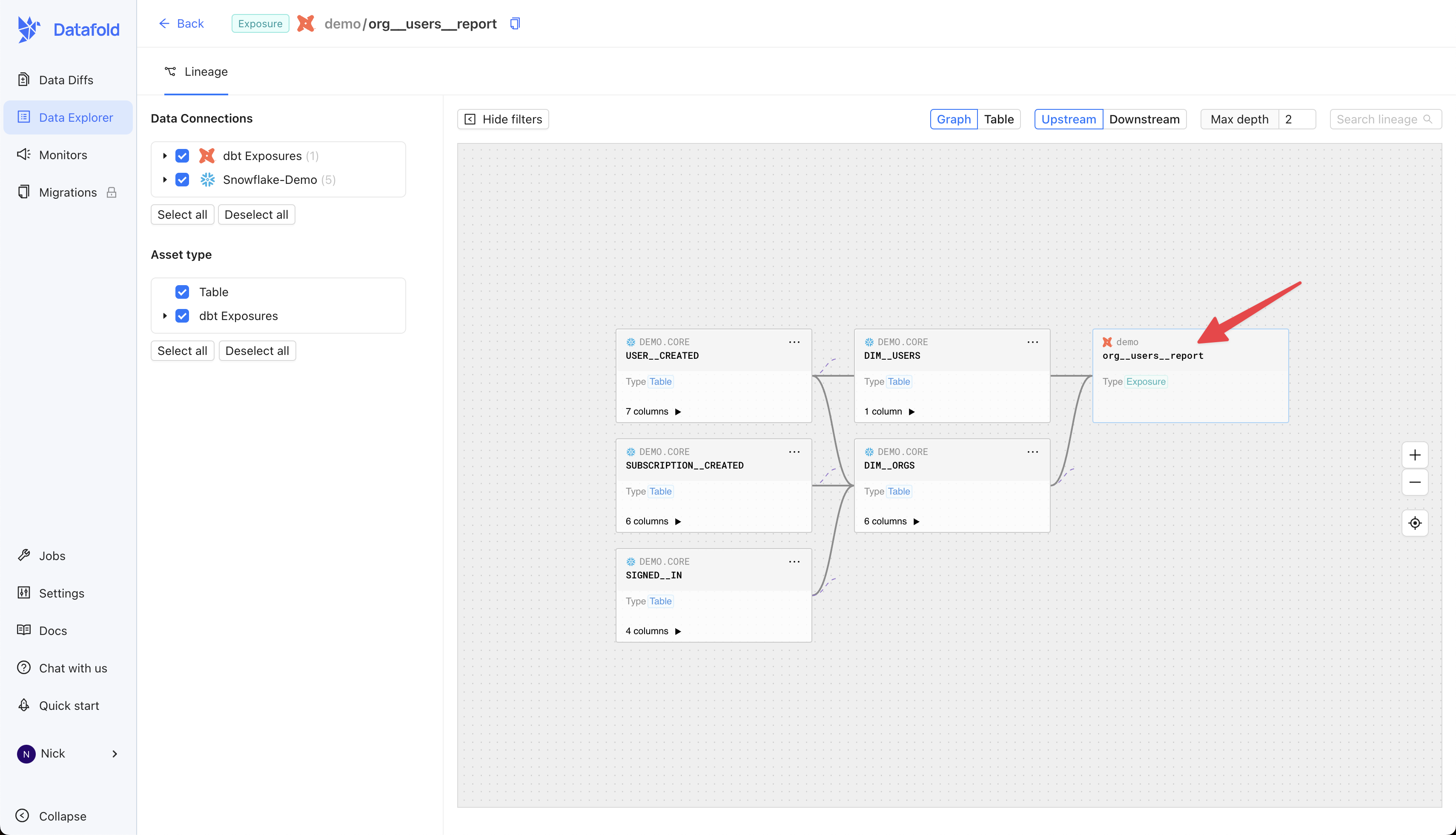
In dbt, Exposures allow you to define downstream uses of your data (e.g., in dashboards). You can include dbt Exposures in lineage within Data Explorer using our dbt Exposures integration.Documentation Index
Fetch the complete documentation index at: https://docs.datafold.com/llms.txt
Use this file to discover all available pages before exploring further.
Set up the integration
If you haven’t aleady created a dbt CI integration, please start there.
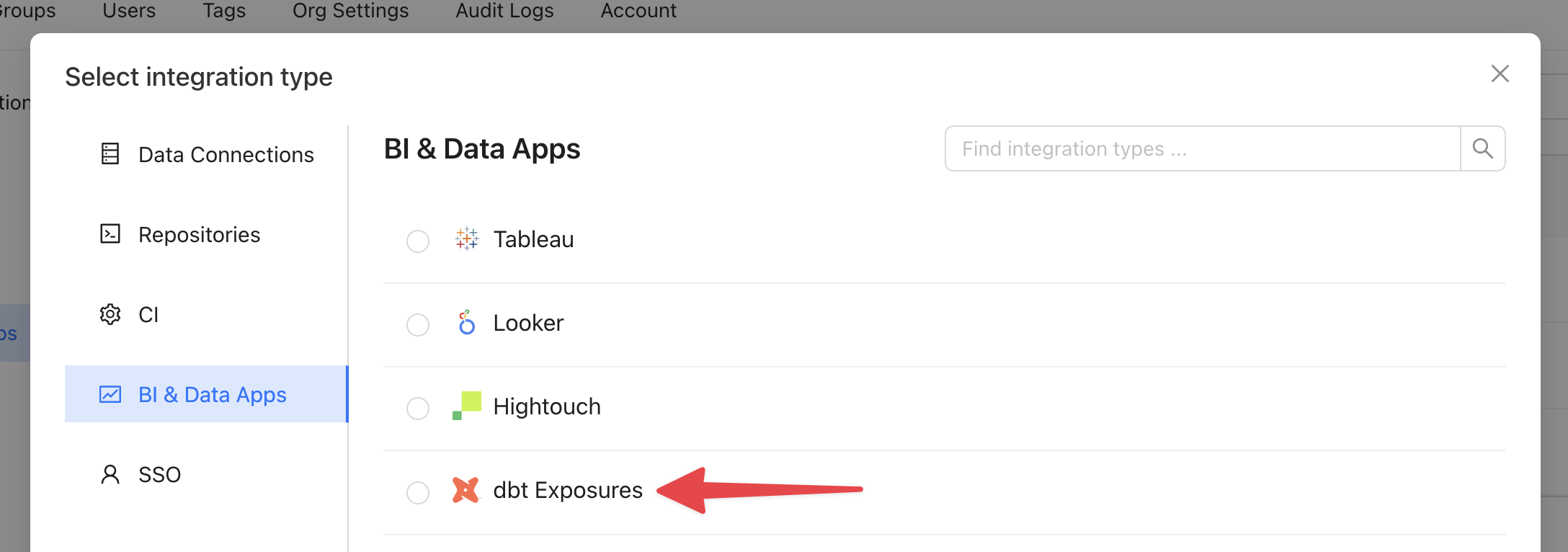
- Visit Settings > BI & Data Apps > Add new integration
- Select “dbt Exposures”
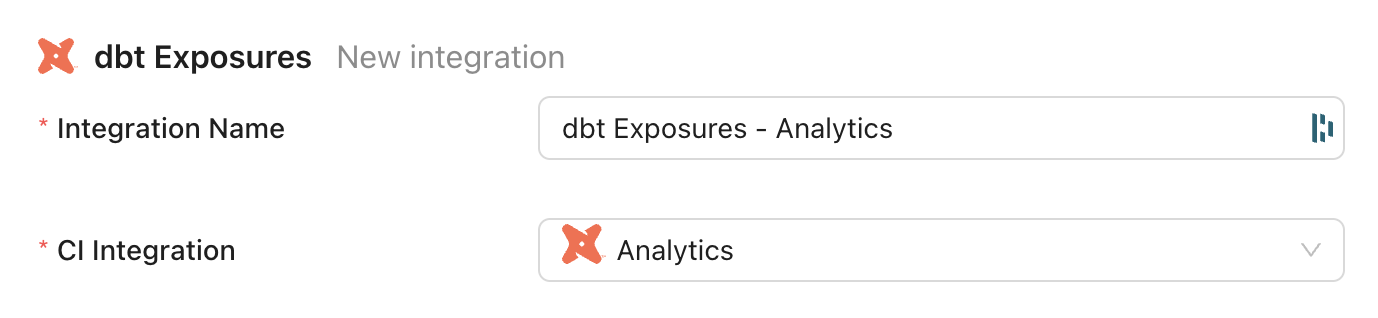
- Enter a name for the integration (this can be anything)
- Select your existing dbt CI integration from the dropdown
- Save the integration
View dbt Exposures in Data Explorer
Your dbt Exposures may not appear in lineage immediately after setting up the integration. To force an update, return to the integration settings and select “Sync now”.