
Create a code repositories integration
Create a code repositories integration that connects Datafold to your Looker repository.Create a Looker integration
Navigate to Settings > Integrations > Data Apps and add a Looker integration.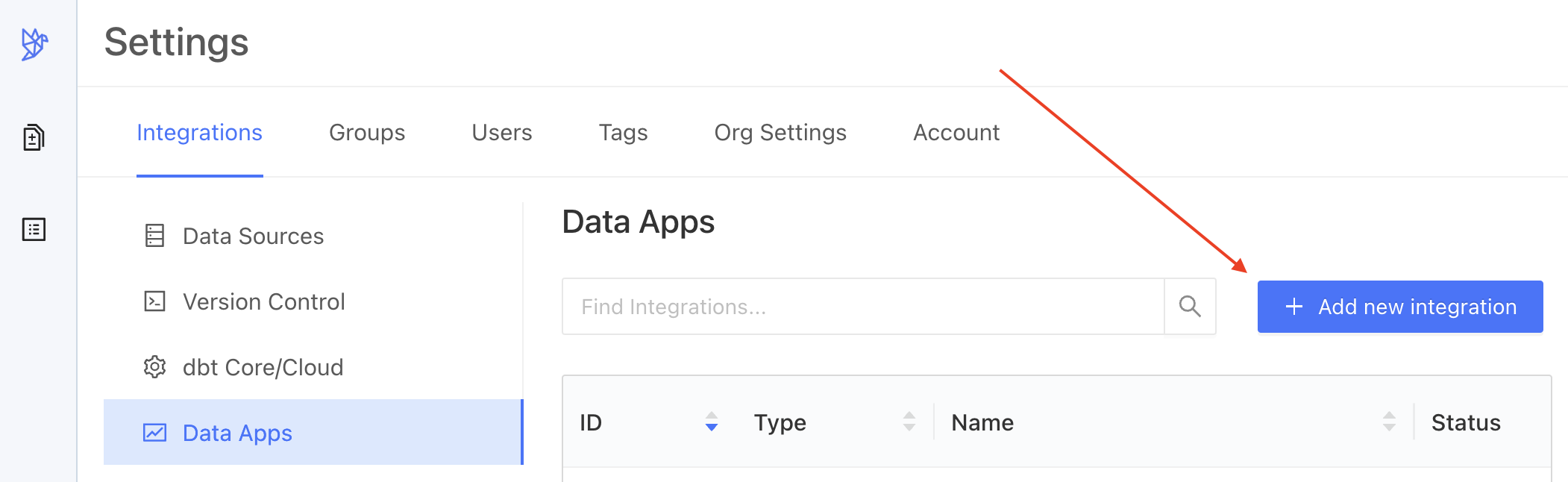
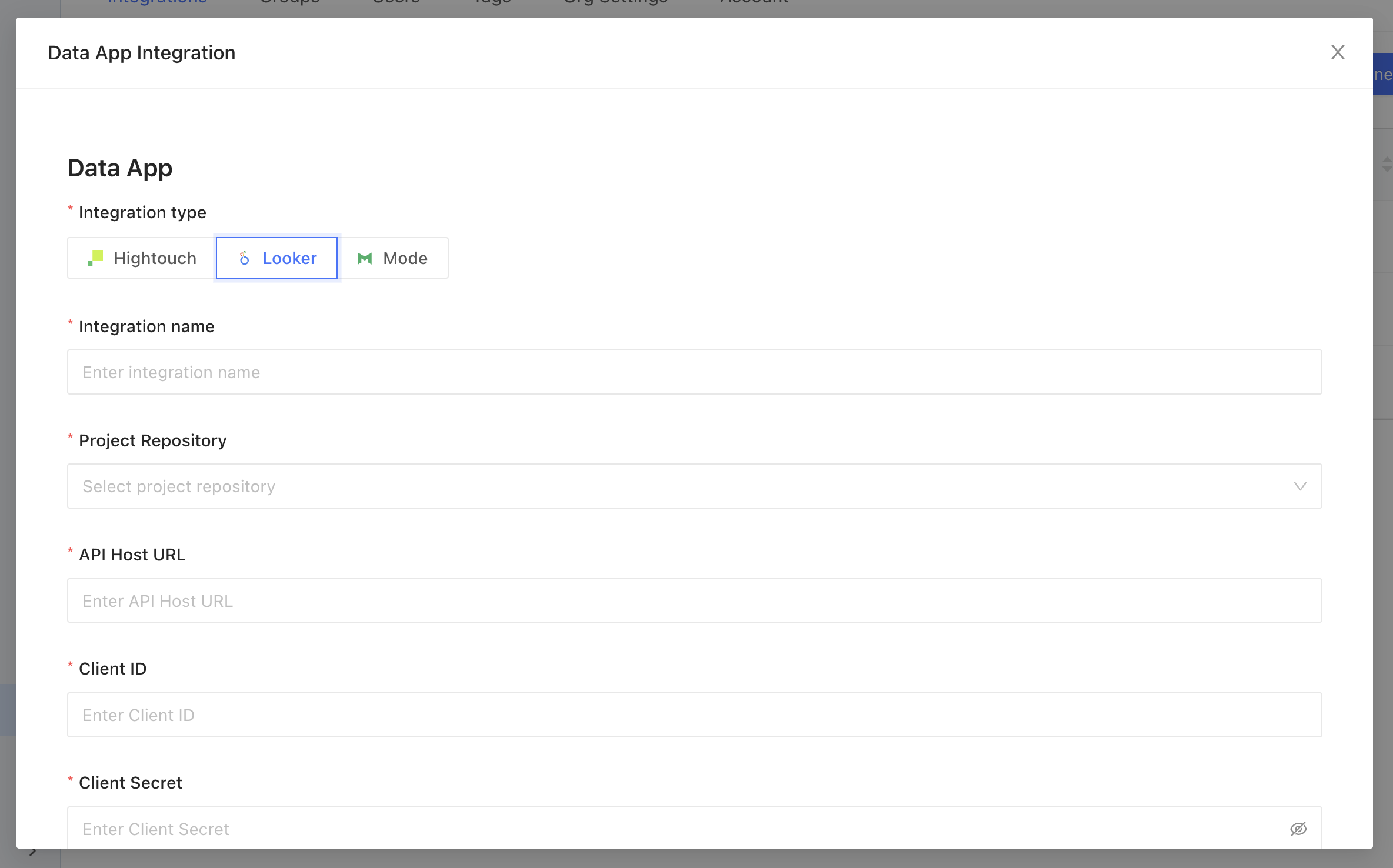
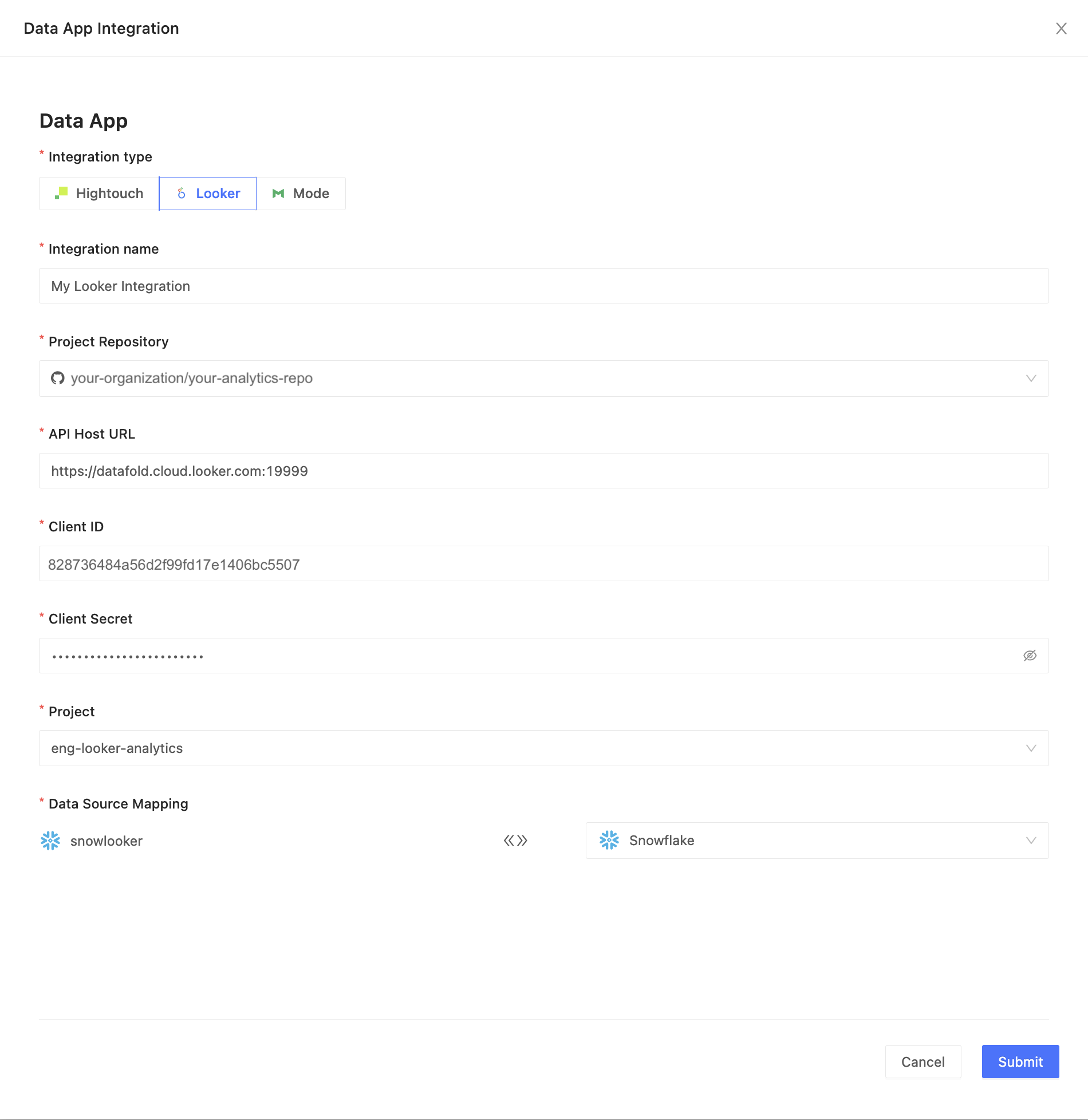
Looker user: minimum access policy
The user linked to the API credentials needs the predefined Developer role, or you can create a custom role with these permissions:access_datadownload_without_limitexplorelogin_special_emailmanage_spacessee_drill_overlaysee_lookmlsee_lookml_dashboardssee_lookssee_pdtssee_sqlsee_user_dashboardssend_to_integration
Database/schema connection context
Database specification
Using the Fully Qualified Names in your Looker view files is not always possible. If a view references a table asmy_schema.my_table, Datafold might have difficulty finding which database this table actually is in. There are multiple ways to guide Datafold to make a correct choice, as summarized in the table below.
INFOPriority #1 takes precedence over #2, and so forth.
Supported custom Looker user attributes
INFOMake sure attributes are:
- Explicitly defined for the user in question (not just falling back to a default);
- Not marked as hidden.
Integration limitations
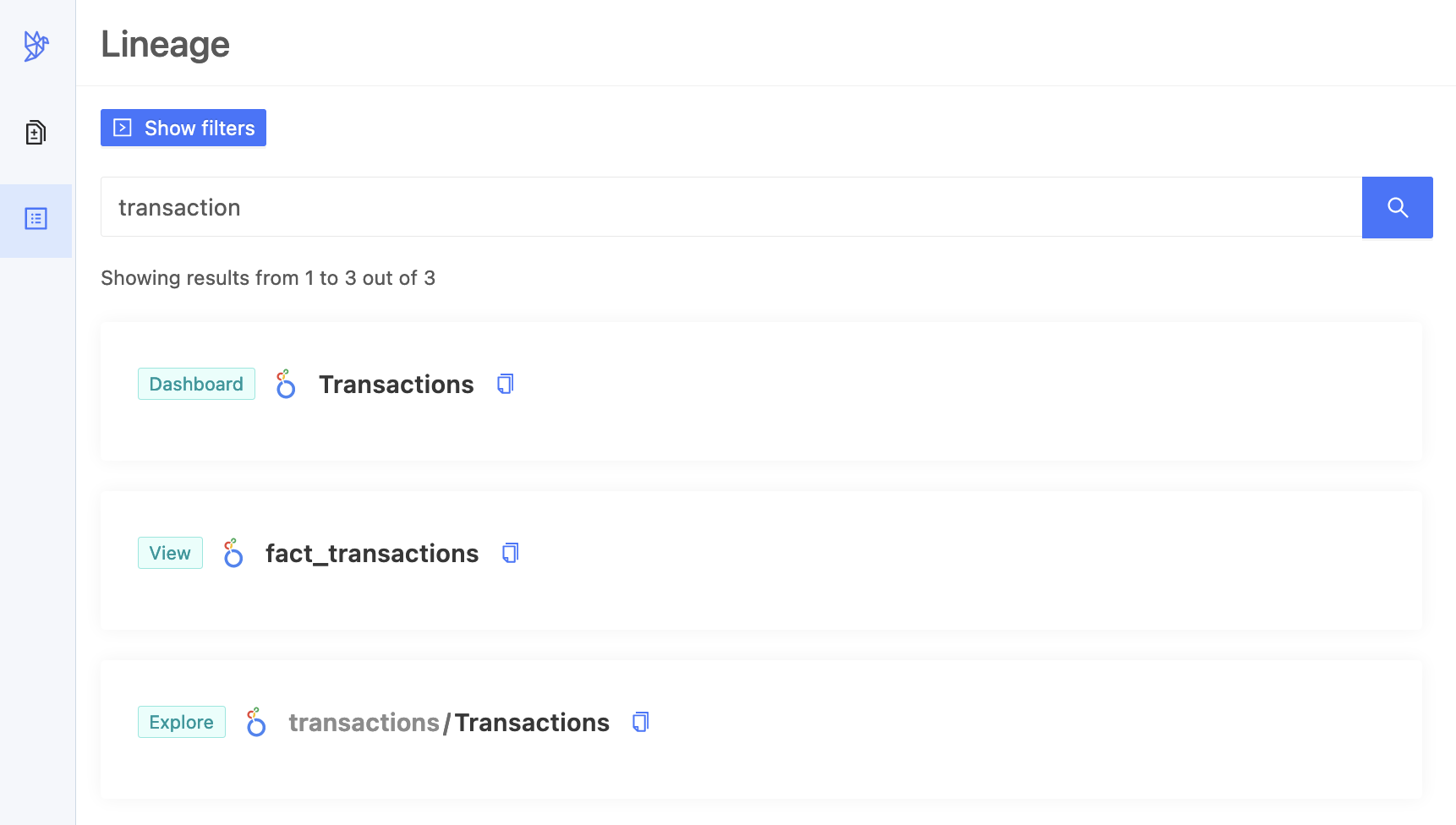
Datafold lets you connect to Looker and extend our capabilities to your Looker Views, Explores, Looks, and Dashboards. But this is a new feature, so there are some things we don’t support yet:- PDT/Derived Tables:Datafold only works with the tables that come from your data connections, but not with the tables that Looker makes from your SQL queries.
- Merge Queries: Datafold supports the Queries and Looks that make up your Dashboards, but Merge Queries are not one of them. For some use cases you could achieve the same by joining the underlying views with an explore.
- Usage metrics and popularity: Datafold shows you your Looker objects - such as dashboards, looks, and fields - but not how much you use or like them.