
Okta (OIDC)
Google OAuth
SAML
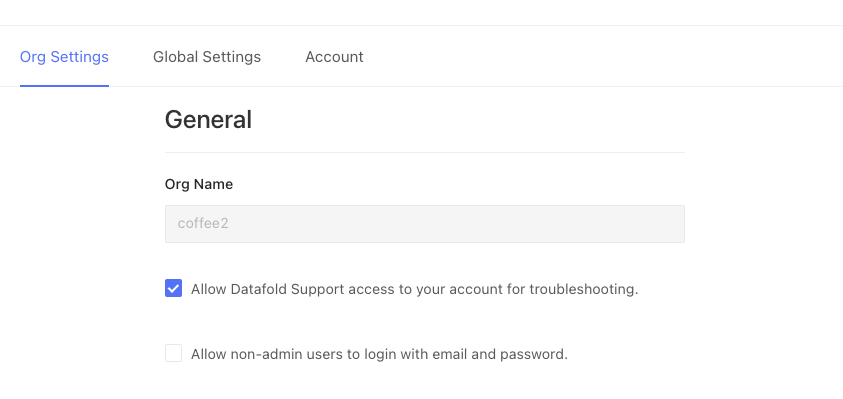
TipTo require SSO, uncheck Allow non-admin users to login with email and password under Settings → Org Settings. To require SSO for admins too, also uncheck Allow admin users to login with email and password. Keep at least one working SSO admin login before you do.
CautionEnsure only authorized users keep using Datafold by setting up Okta webhooks or setting up credentials for the Microsoft Entra app if you’re using Microsoft Entra ID (formerly known as Azure Active Directory).This will disable non-admin users that don’t have access to the configured SSO app.Configure this for OktaConfigure this for Microsoft Entra ID
