
- Column added
- Column removed
- Data type changed
Create a Schema Change monitor
There are two ways to create a Schema Change monitor:- Open the Monitors page, select Create new monitor, and then choose Schema Change.
- Clone an existing Schema Change monitor by clicking Actions and then Clone. This will pre-fill the form with the existing monitor configuration.
Set up your monitor
To set up a Schema Change monitor, simply select your data connection and the table you wish to monitor for changes.Add a schedule
You can choose to run your monitor daily, hourly, or on a cron expression for more complex scheduling. Choose None to run the monitor only on demand or via the API: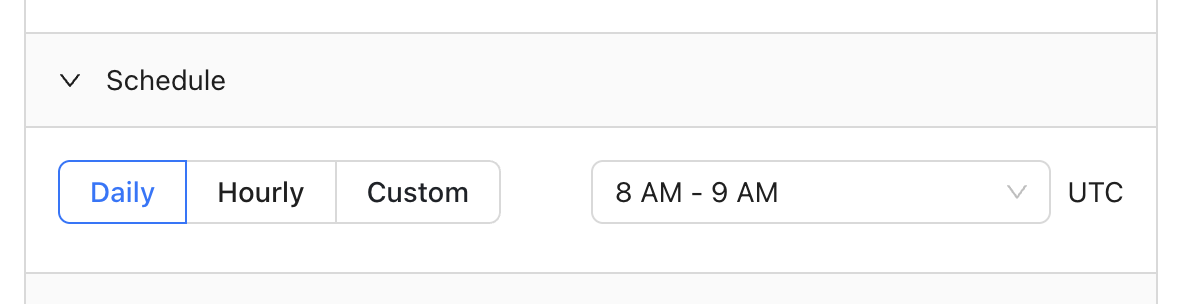
Add notifications
Receive notifications via email, Slack, Microsoft Teams, PagerDuty, or webhooks (webhooks must be enabled for your organization; contact support) when a column is added, removed, or changes data type: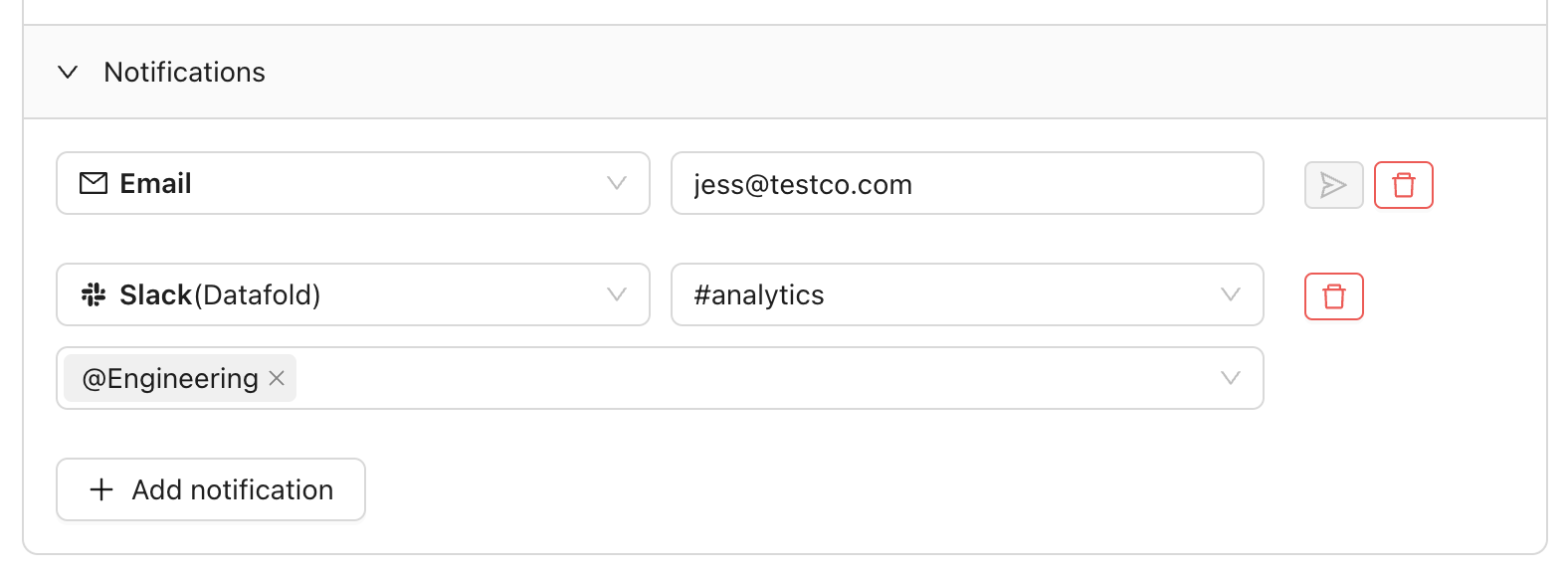
FAQ
Don't data diffs detect schema changes too?
Don't data diffs detect schema changes too?
Yes, but in a different context. While data diffs report on schema differences between two tables at the same time (unless you’re using the time travel feature), schema change monitors alert you to schema changes for the same table over time.