> ## Documentation Index
> Fetch the complete documentation index at: https://docs.datafold.com/llms.txt
> Use this file to discover all available pages before exploring further.
# Tracking Jobs
> Track the completion and success of your data app integration syncs.
To track the progress of your data app integration, go to the ** Jobs** tab in the left sidebar.
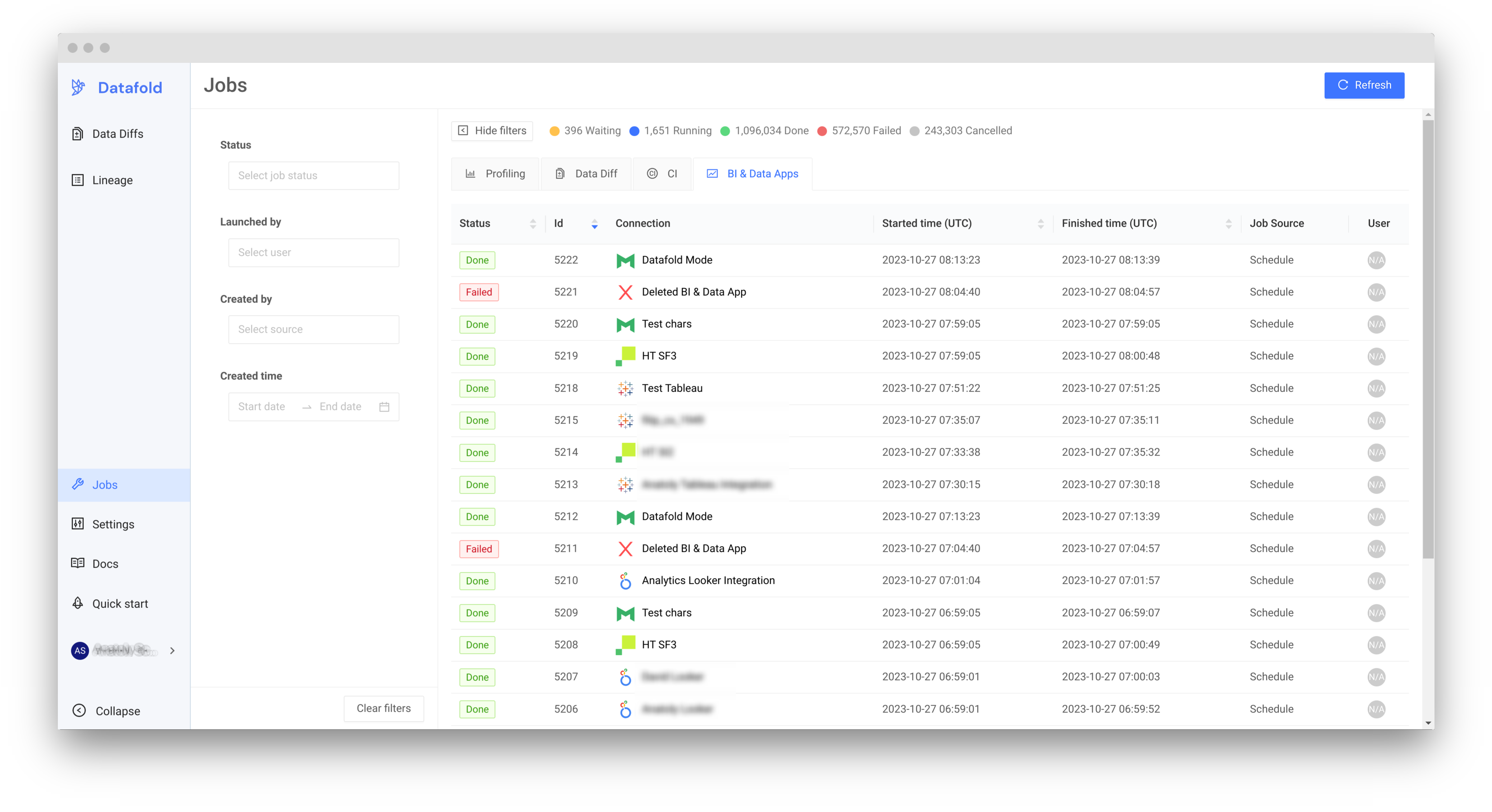 Your **Search** and **Lineage** features will be available once you see a job marked as `Done` for your integration on this screen.
**INFO**
After the initial sync, Datafold will automatically re-sync every hour to keep your Data App assets up to date.
Your **Search** and **Lineage** features will be available once you see a job marked as `Done` for your integration on this screen.
**INFO**
After the initial sync, Datafold will automatically re-sync every hour to keep your Data App assets up to date.