> ## Documentation Index
> Fetch the complete documentation index at: https://docs.datafold.com/llms.txt
> Use this file to discover all available pages before exploring further.
# Schema Change Monitors
> Schema Change monitors notify you when a table’s schema changes, such as when columns are added, removed, or data types are modified.
**INFO**
Please contact [support@datafold.com](mailto:support@datafold.com) if you'd like to enable this feature for your organization.
Schema change monitors alert you when a table’s schema changes in any of the following ways:
* Column added
* Column removed
* Data type changed
## Create a Schema Change monitor
There are two ways to create a Schema Change monitor:
1. Open the **Monitors** page, select **Create new monitor**, and then choose **Schema Change**.
2. Clone an existing Schema Change monitor by clicking **Actions** and then **Clone**. This will pre-fill the form with the existing monitor configuration.
## Set up your monitor
To set up a Schema Change monitor, simply select your data connection and the table you wish to monitor for changes.
## Add a schedule
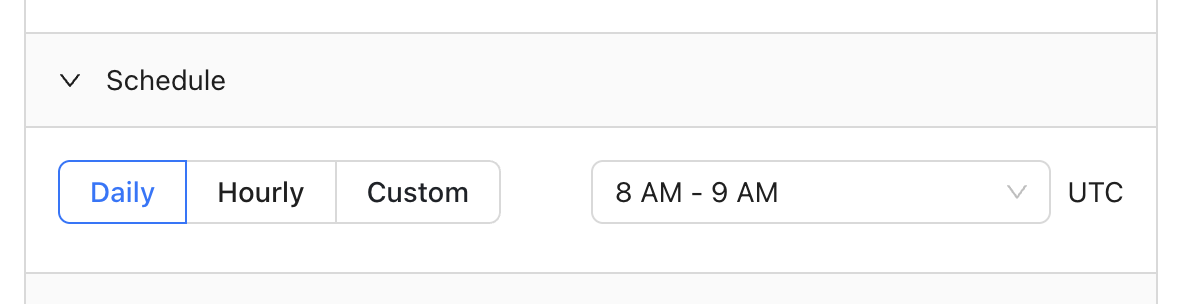
You can choose to run your monitor daily, hourly, or even input a cron expression for more complex scheduling:
 ## Add notifications
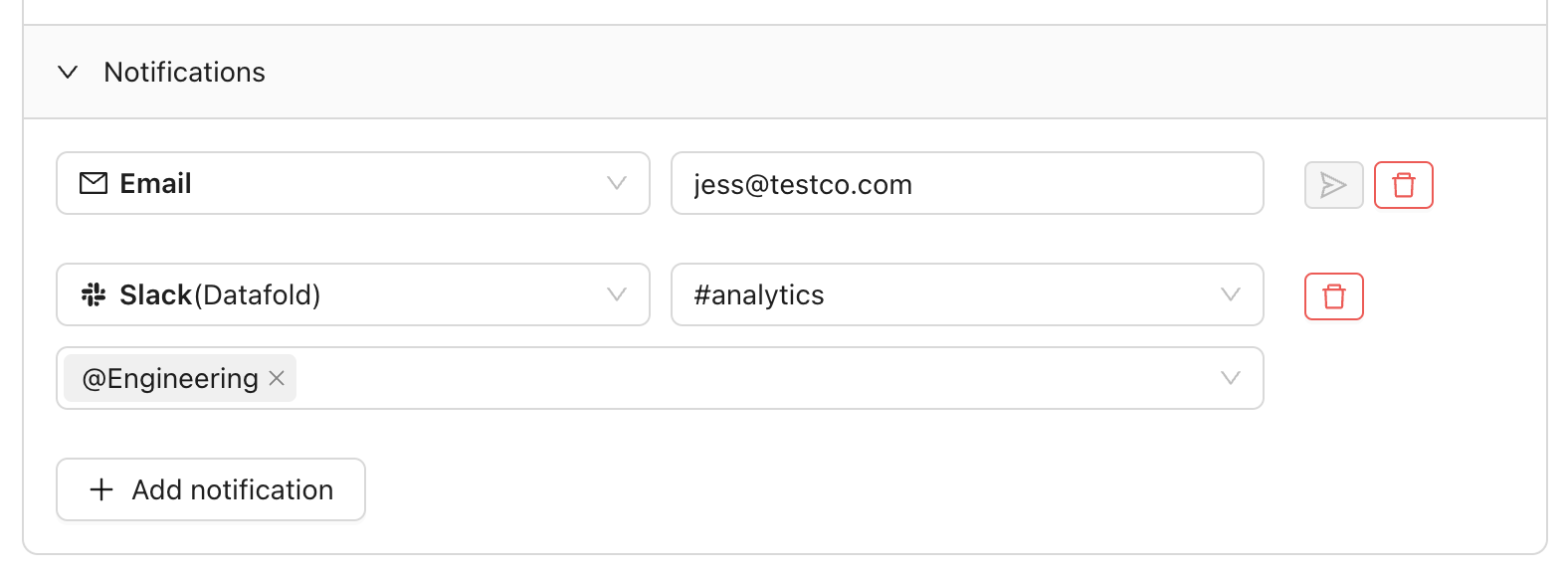
Receive notifications via Slack or email when at least one record fails your test:
## Add notifications
Receive notifications via Slack or email when at least one record fails your test:
 ## FAQ
Yes, but in a different context. While data diffs report on schema differences *between two tables at the same time* (unless you’re using the time travel feature), data diff monitors alert you to schema changes for the *same table over time*.
## Need help?
If you have any questions about how to use Schema Change monitors, please reach out to our team via Slack, in-app chat, or email us at [support@datafold.com](mailto:support@datafold.com).
## FAQ
Yes, but in a different context. While data diffs report on schema differences *between two tables at the same time* (unless you’re using the time travel feature), data diff monitors alert you to schema changes for the *same table over time*.
## Need help?
If you have any questions about how to use Schema Change monitors, please reach out to our team via Slack, in-app chat, or email us at [support@datafold.com](mailto:support@datafold.com).