> ## Documentation Index
> Fetch the complete documentation index at: https://docs.datafold.com/llms.txt
> Use this file to discover all available pages before exploring further.
# File Diffing
> Datafold allows you to diff files (e.g. CSV, Excel, Parquet, etc.) in a similar way to how you diff tables.
If you'd like to enable file diffing for your organization, please contact [support@datafold.com](mailto:support@datafold.com).
In addition to diffing data in tables, views, and SQL queries, Datafold allows you to diff data in files hosted in cloud storage. For example, you can diff between an Excel file and a Snowflake table, or between a CSV file and an Excel file.
## Supported cloud storage providers
Datafold supports diffing files in the following cloud storage providers, with plans to support more in the future:
* Amazon S3
* Azure Blob Storage
* Azure Data Lake Storage (ADLS)
* Google Cloud Storage
## Supported file types
Datafold supports diffing the following file types:
* Tabular text files (e.g. `.csv`, `.tsv`, `.txt`, `.dat`)
* Excel (`.xlsx`, `.xls`)
* Parquet (`.parquet`)
## Type-specific options
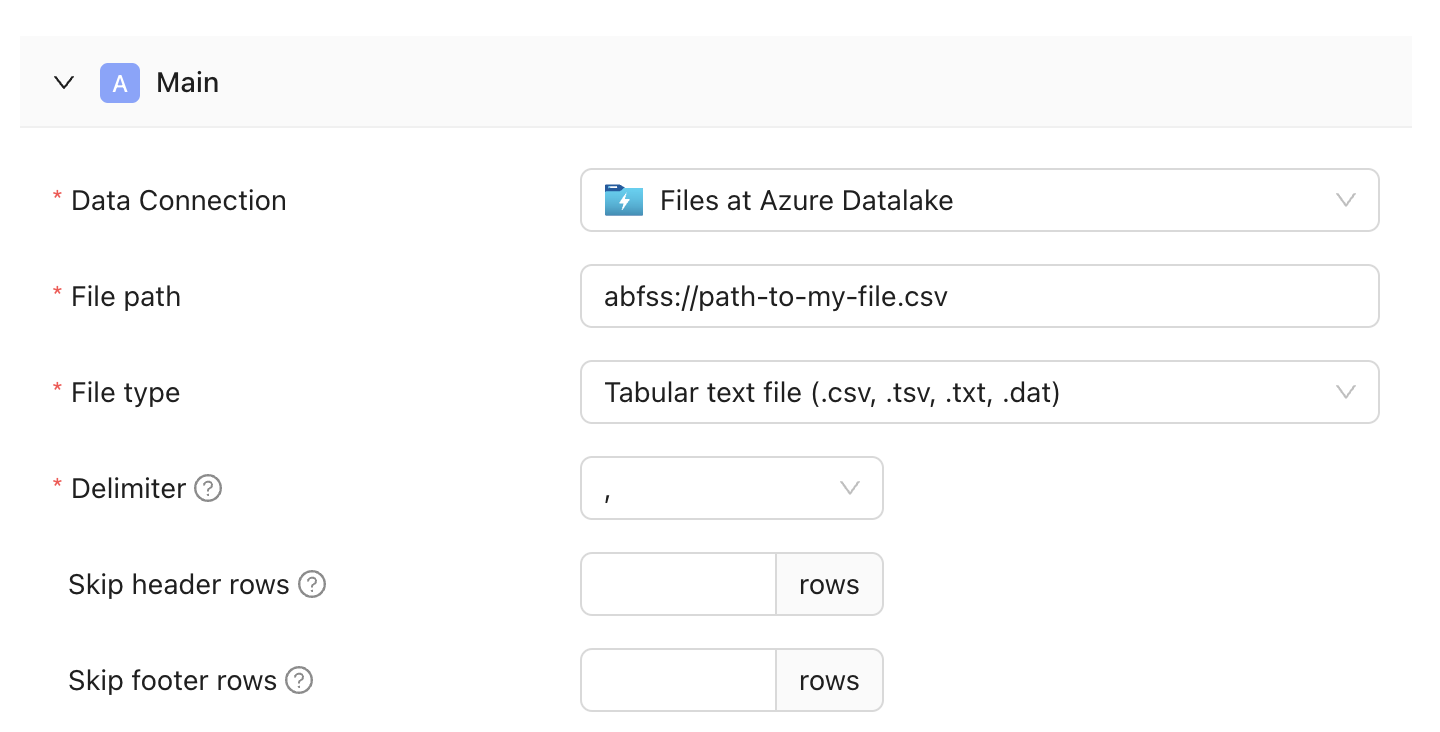
Depending on the type of file you're diffing, you'll have a few options to specify how you'd like to parse the file.
For example, when diffing a tabular text file, you can specify the delimiter and skip header/footer rows.